REDWAY BATTERY / KNOWLEDGE
How do you connect a PM-LV rack battery to a hybrid inverter using CAN or RS485?
Redway Battery Editorial Team
Talk / Battery Q&A
An installer has a hybrid inverter and two PM-LV rack batteries on the bench and wants closed-loop communication working before the system goes live.
Direct answer: Confirm that your inverter model and firmware support the battery’s protocol, set the battery address (DIP switch) for the master and any slave units, use the communication cable and pin-out specified by Redway, select the matching battery type in the inverter, and only then power up and check that the inverter reads the battery’s state of charge and limits. Pin-outs and protocol settings are not published on the pages, so get Redway’s integration sheet for your inverter first.
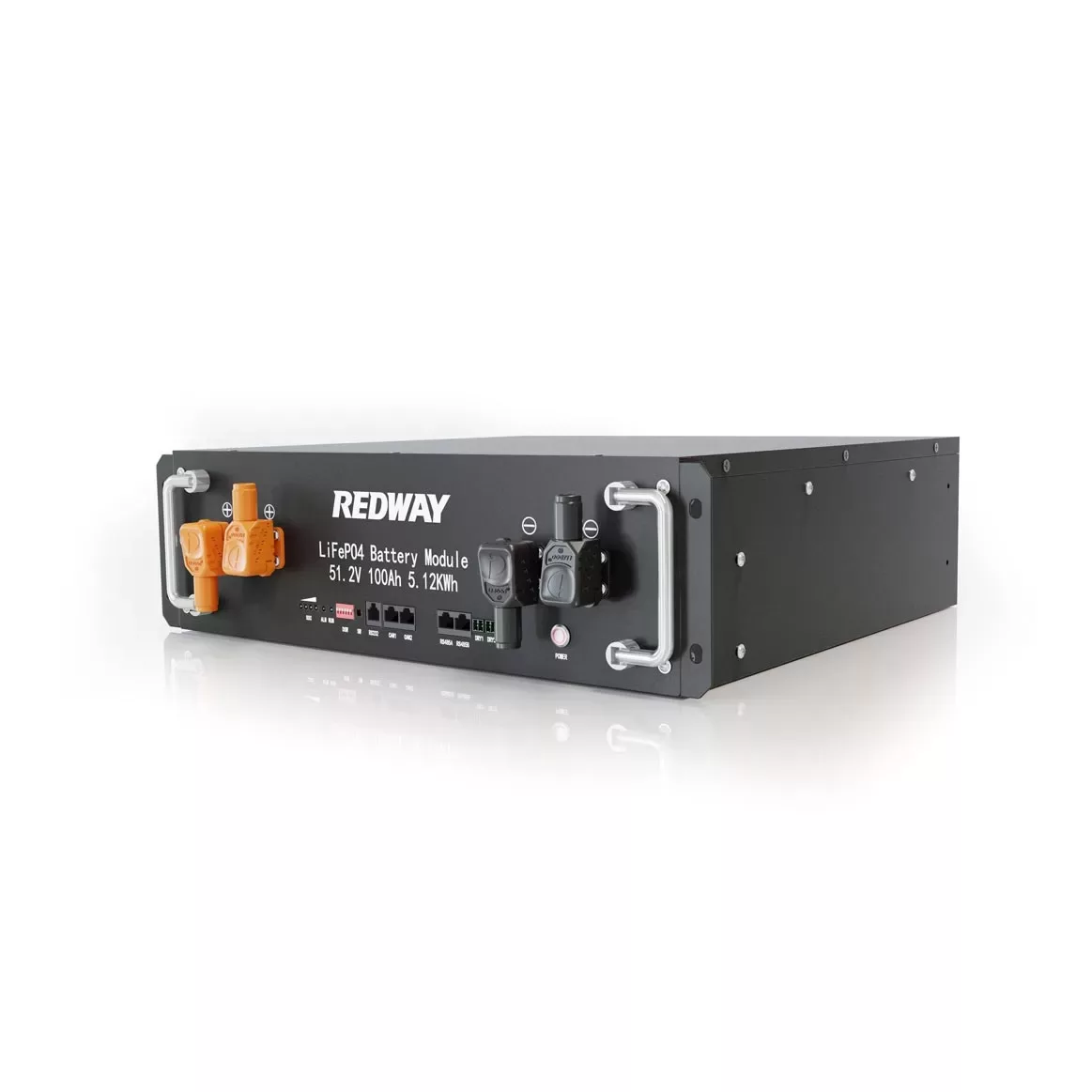
What the pages list: the PM-LV51100-3U-PRO (51.2V 100Ah) and PM-LV48100-3U (48V 100Ah) list RS485 / RS232 / CAN-bus communication, a “Manual DIP Switch” (automatic DIP optional), accessories including inverter power cable, parallel cable, communication cable and grounding wire, and a “Compatible Inverters” list naming brands such as Victron, Deye, Growatt, GoodWe, SMA and others. The PM-LV51200-5U lists RS485 and CAN bus and a similar brand list. A brand on the list is not proof that every model and firmware of that brand works.
Step 1, check compatibility: ask Redway which protocol to select for your inverter model and firmware version, and whether CAN or RS485 is the preferred link. Many inverter makers also publish their own battery compatibility list; check that it names the battery or protocol.
Step 2, set addresses: with several packs, one is usually the master that talks to the inverter and the others are addressed slaves linked by parallel communication cables. The DIP-switch positions for each role come from Redway’s manual. Set them with the battery switched off.
Step 3, wire it: connect DC power cables with correct polarity, size and fusing, the grounding wire, and the communication cable from the master’s CAN or RS485 port to the inverter’s battery port. Ports may share the same RJ45 shape but have different pin-outs, so use the specified cable rather than a generic network lead.
Step 4, configure and test: select the lithium battery type or protocol in the inverter, power the batteries, then the inverter. Check that the inverter shows the battery’s state of charge, voltage and charge/discharge limits, and that a communication alarm appears if you unplug the cable. Record the settings. For mixing packs, see paralleling PM-LV batteries of different ages; for choosing the voltage class, see 48V vs 51.2V rack batteries.
↳ Replying to Redway Battery Editorial Team
Ask the seller to confirm in writing that your exact inverter model and firmware work with the pack, and to supply the communication cable. That avoids a site visit spent swapping leads.
↳ Replying to Procurement perspective
Match the protocol and the port first, then the voltage window: the 51.2V models list 58.4V maximum charge and 40V cut-off, the 48V models 54.75V and 37.5V. Inverter battery settings must sit inside those values.
↳ Replying to Selection/Engineering perspective
After commissioning, photograph the DIP switches and inverter settings and keep them with the site file. Recheck that the inverter still reads state of charge after any firmware update.
Confirm that your inverter model and firmware support the battery’s protocol, set the battery address (DIP switch) for the master and any slave units, use the communication cable and pin-out specified by Redway, select the matching battery type in the inverter, and only then power up and check that the inverter reads the battery’s state of charge and limits. Pin-outs and protocol settings are not published on the pages, so get Redway’s integration sheet for your inverter first.
Verify before ordering: Pin-outs, DIP-switch tables and protocol names per inverter are not published; request Redway’s integration guide for your inverter and firmware.
Editorial Q&A for battery selection and operations. Product figures cited from Redway product pages.
Related products
 51.2V 100Ah Server Rack Battery PRO
 51.2V 200Ah 10kWh Server Rack Battery (5U)
 48V 100Ah Server Rack Battery
Related articles & discussions
- Can we connect 150Ah battery with 200Ah battery?
- Why Choose the PM-LV51100-3U-PRO Rack Battery by Redway Battery?
- The Future of Solar Inverters: What You Need to Know in 2026
- Do You Need a BMS If You Have an Inverter?
- Can a 500W Inverter Run a Fridge?
- How long will a leisure battery last with an inverter?
- Will a 1000W inverter power a fridge?
- How long will a 100Ah battery last with a 1000W inverter?
- Does Powerwall 2 come with an inverter?
- How Many LiFePO4 Cells Can You Connect in Parallel Safely?